DASHBOARD VIEW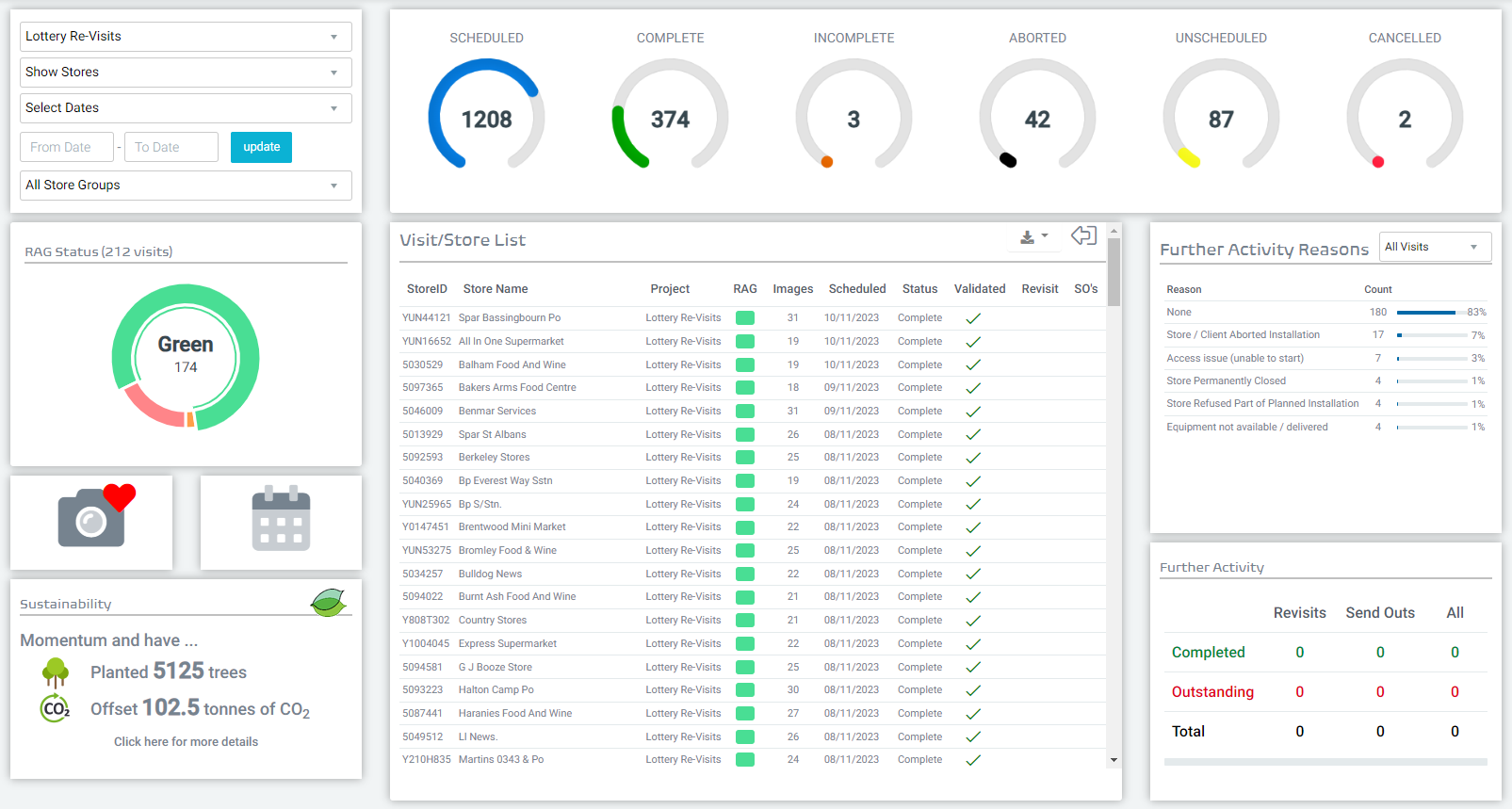
FILTERS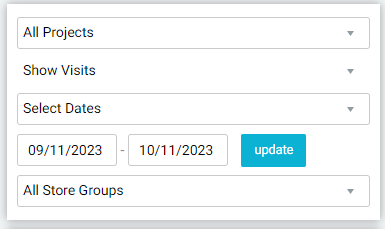
The filters in the top left hand corner allow you to update the results displayed throughout the rest of your projects dashboard.
From here you can either choose a specific project, define the date range you want to view, choose a specific store group (if configured) and choose if you want to look at all visit status (Show Visits) or just the latest status for each location (Show Stores).
Each of these filters allow you to drill down to the specific data and information you require at the click of a couple of buttons.
VISIT STATUS
The visit status doughnuts display the live status of all visits/stores across your project.
As your projects unfold, visits will be automatically updated with their relevant status as activity is completed.
Each status describes a different part of the activity journey -
- Scheduled - The locations has been allocated to both a date and a person.
- Complete - All intended activity has been completed in its entirety.
- Incomplete - We have completed some of the intended activity, but not all.
- Aborted - We have been to the site, but have not been able to carry out any work.
- Unscheduled - The visit is yet to have been allocated to a date or person.
- Cancelled - The store has been removed from the programme prior to a visit taking place.
You can then use these various statuses as an additional filter by clicking in to any Visit status, which will then display all visits in the centre box that have that current status.
RAG STATUS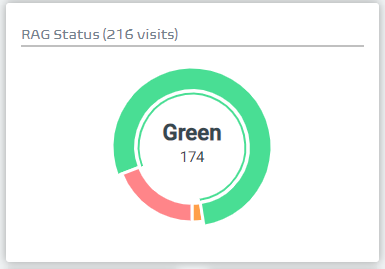
The RAG Status is an additional tool we use to provide a more detailed view of the success of your project as it unfolds.
Prior to your project, you can define the tolerances between what should class as a GREEN visit, an AMBER visit or a RED visit.
Once the visit is completed, at the point of validating the visit (a quality check performed by our office team), we will apply the RAG status in line with the agreed tolerance.
You can then use this as an additional filter by clicking in to any RAG status, which will then display all visits in the centre box that have been flagged as such.
SUSTAINABILITY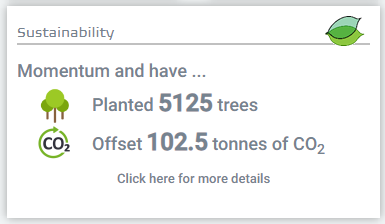
As a company, sustainability is a key metric we apply to everything we do.
Which is why in 2021 we partnered with Ecologi to ensure that, where we cannot avoid creating carbon emissions, we can offset them by planting trees across the globe.
We do this for every project we complete, by calculating the total mileage required to complete every visit we carry out. We then double it, to take in to account all other (non-visit) related logistics. and finally convert this in to a CO2 amount.
We then ask Ecologi to plant trees on our behalf, to offset this carbon - all of which is tracked on your projects dashboard.
FURTHER ACTIVITY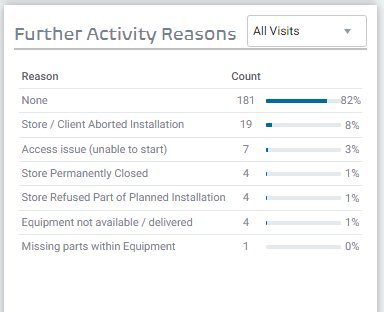
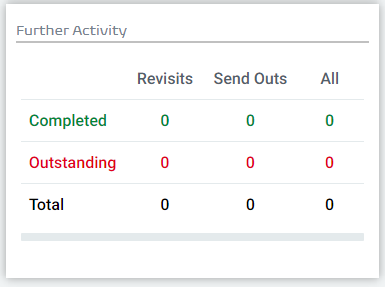
Should there be any issue during our visit, it will be logged on the visit report and potentially flagged as a Further Activity.
Further Activity reasons are there to provide more granular detail on the issues we are facing in store.
Depending on the issue found, may result in further activity being carried out, which may either be a revisit to store, or a send-out direct to store - both of which you are able to track to completion directly through your dashboard.
Was this article helpful?
That’s Great!
Thank you for your feedback
Sorry! We couldn't be helpful
Thank you for your feedback
Feedback sent
We appreciate your effort and will try to fix the article